
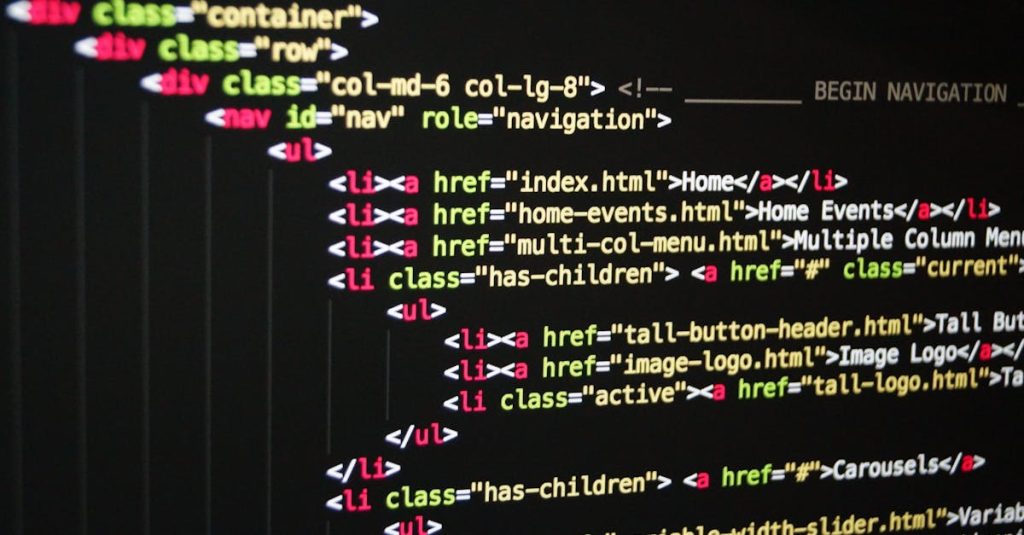
Hypertext Markup Language, or HTML, is the cornerstone of web development. It’s the language used to create and structure content on the web. If you’re new to web development, understanding HTML is the first step in learning how to build websites. In this blog, we’ll cover the basics of HTML, including its structure, common elements, and best practices.
What is HTML?
HTML stands for Hypertext Markup Language. It is a standard markup language used to create and design web pages. HTML defines the structure of a webpage by using various tags and elements, which are interpreted by web browsers to display content.
HTML Document Structure
An HTML document is a text file that contains elements that define the structure and content of a webpage. Here is a basic outline of an HTML document:
<!DOCTYPE html>
<html>
<head>
    <title>My First Web Page</title>
</head>
<body>
    <h1>Welcome to My Website</h1>
    <p>This is a paragraph of text on my first web page.</p>
</body>
</html>
Let’s break this down:
<!DOCTYPE html>: This declaration defines the document type and version of HTML being used. It helps browsers to render the page correctly.<html>: The root element that contains all other HTML elements on the page.<head>: Contains meta-information about the HTML document, such as the title, character encoding, and links to stylesheets and scripts.<title>: Sets the title of the web page, which appears in the browser tab.<body>: Contains the main content of the web page, including headings, paragraphs, images, links, and other elements.
Common HTML Elements
- Headings HTML provides six levels of headings, which range from
<h1>(the largest) to<h6>(the smallest). Headings are used to organize and structure content on a page.
   <h1>Main Heading</h1>
   <h2>Subheading</h2>
<h3>Smaller Subheading</h3>- Paragraphs Paragraphs are defined using the
<p>tag. They are used to group blocks of text.
<p>This is a paragraph of text. Paragraphs are used to separate different blocks of content.</p>- Links Links are created with the
<a>(anchor) tag. They are used to navigate to other web pages or resources.
<a href="https://www.example.com">Visit Example.com</a>href: Specifies the URL of the page the link goes to.
- Images Images are embedded using the
<img>tag. This tag requires thesrcattribute to define the path to the image file and thealtattribute for accessibility.
<img src="image.jpg" alt="Description of the image">- Lists HTML supports ordered lists (
<ol>) and unordered lists (<ul>), which are used to group items.
   <ul>
       <li>First item</li>
       <li>Second item</li>
   </ul>

   <ol>
       <li>First item</li>
       <li>Second item</li>
</ol>- Tables Tables are created with the
<table>tag, and rows are defined using<tr>. Inside rows, you can define headers with<th>and data cells with<td>.
   <table>
       <tr>
           <th>Header 1</th>
           <th>Header 2</th>
       </tr>
       <tr>
           <td>Row 1, Cell 1</td>
           <td>Row 1, Cell 2</td>
       </tr>
   </table>
Attributes
HTML elements can have attributes that provide additional information or specify settings. Attributes are added within the opening tag of an element and consist of a name and a value.
Example of attributes:
<a href="https://www.example.com" target="_blank">Open Example in New Tab</a>
<img src="logo.png" alt="Company Logo" width="100" height="100">href: Defines the URL for links.target="_blank": Opens the link in a new browser tab.alt: Provides alternative text for images, useful for screen readers and when images cannot be loaded.widthandheight: Define the dimensions of the image.
Best Practices for Writing HTML
- Use Semantic HTML: Semantic HTML elements like
<header>,<footer>,<article>, and<section>make your code more readable and help with SEO (Search Engine Optimization). - Validate Your Code: Use tools like the W3C HTML Validator to check for errors and ensure your HTML is standards-compliant.
- Keep It Organized: Use indentation and comments to make your HTML code more readable and easier to maintain.
- Optimize for Accessibility: Ensure your HTML is accessible to all users, including those with disabilities. Use
altattributes for images and ensure that links and form controls are properly labeled. - Avoid Inline Styles: Instead of using inline styles, which mix content with presentation, use external CSS files to separate styling from HTML content.
Conclusion
Understanding the basics of HTML is the foundation for web development. By mastering HTML, you can create well-structured and meaningful web pages that are easy to navigate and interact with. As you progress, you’ll learn how to combine HTML with CSS and JavaScript to build more dynamic and responsive websites. For now, focus on getting comfortable with HTML, and you’ll be well on your way to becoming a proficient web developer.
Happy coding!